---
updatedAt: 2026-09-16T12:36:51.000Z
agentTools:
projectIndex: https://developer.optimove.com/llms.txt
---
# Recognizing a Returning Customer
Associating a Visitor with a Recognized Customer - Returning Customer ##
## Step 1
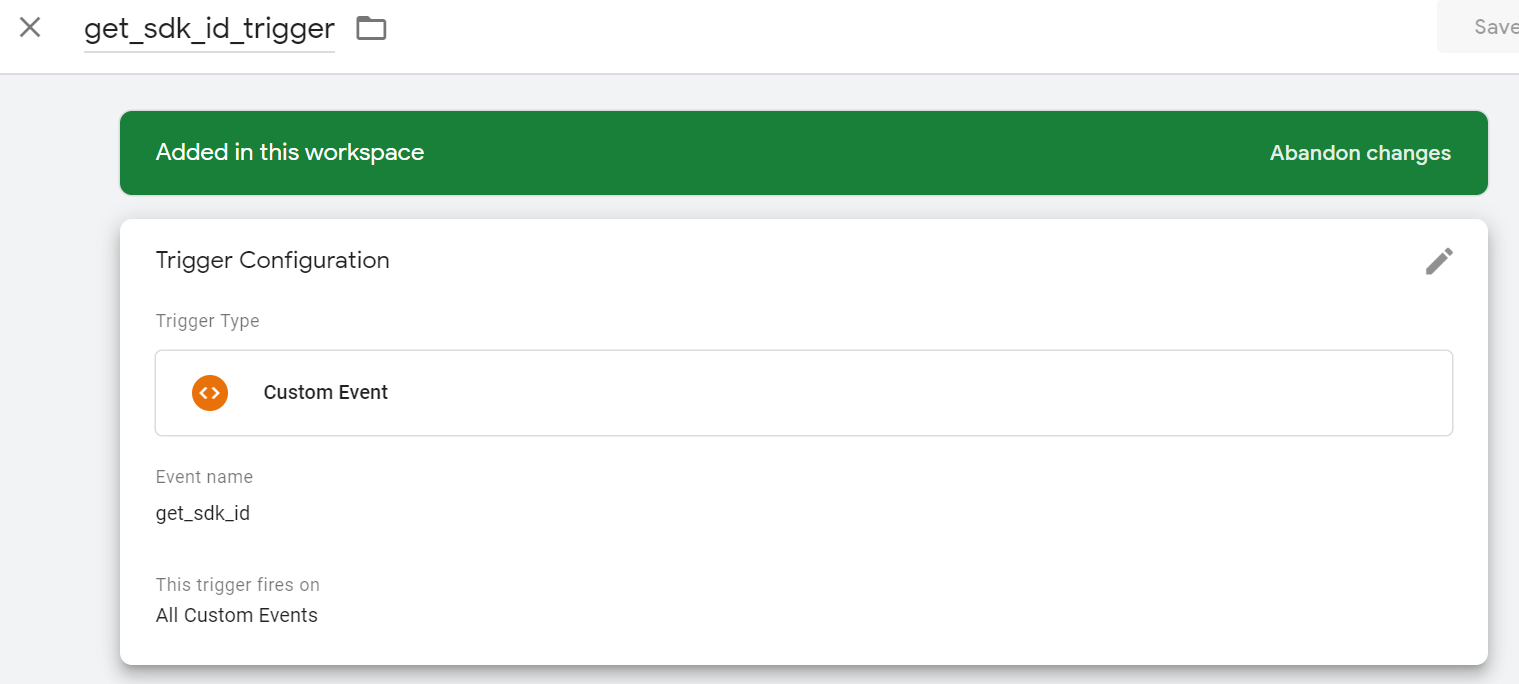
* Create a new trigger and name it *get\_sdk\_id\_trigger*.
* Set the Event name to *get\_sdk\_id*.
* Set the trigger to fire on All Custom Events.
## Step 2
* Return to the *initialize\_sdk\_tag* tag you created previously.
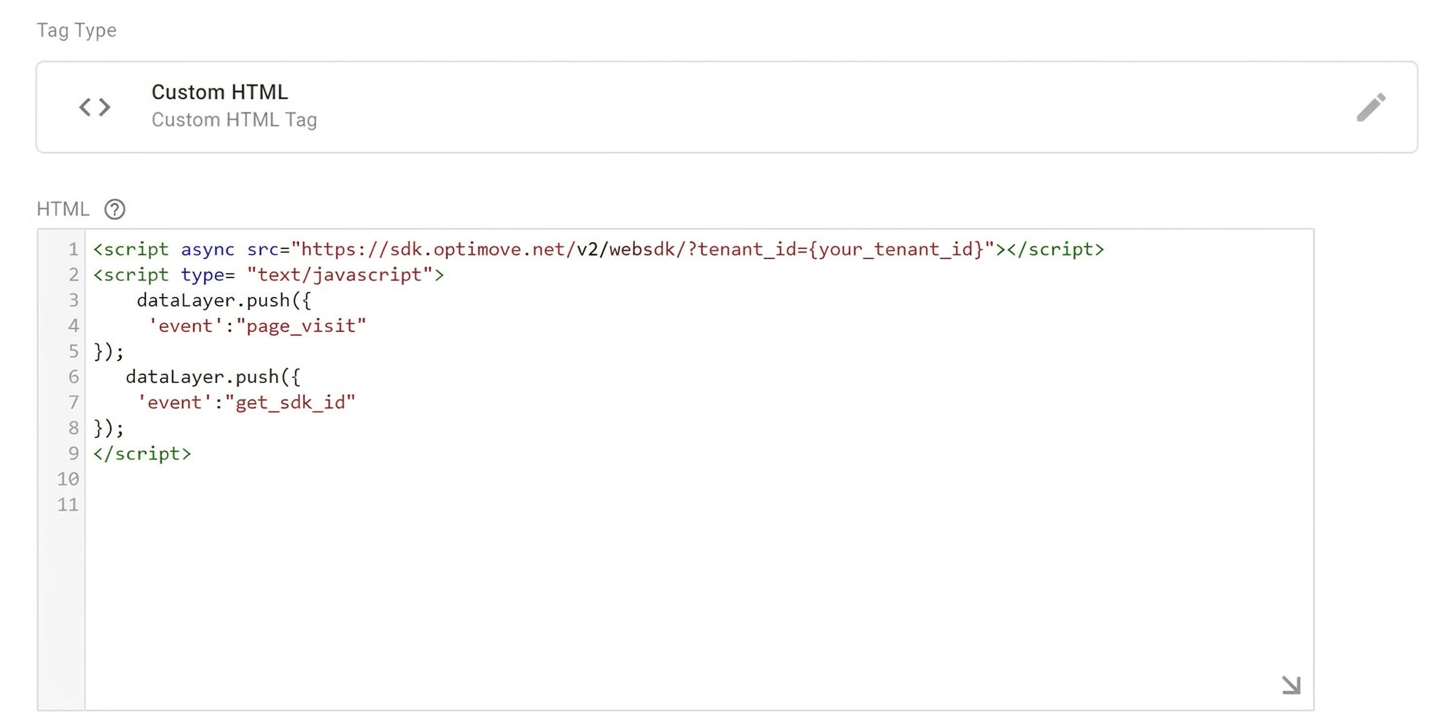
* Add the following code at the bottom of your Custom HTML for *initialize\_sdk\_tag*, after the call:
```javascript
dataLayer.push({
'event':"get_sdk_id"
});
```
The call inside *initialize\_sdk\_tag* should now look like this:
> **Note:**
This is a Google Tag Manager implementation which will cause the forthcoming *get\_sdk\_tag* trigger to be fired on every page and look for an SDK id to load.
## Step 3
* Create a new tag and name it *get\_sdk\_id\_tag*.
* Set the type to Custom HTML.
* Set the firing trigger to *get\_sdk\_id\_trigger*.
> **Note:** ***Additional step for SPA sites:*** Set a second firing trigger to history\_change\_trigger.
* Go to the Custom HTML field for *get\_sdk\_id\_tag*:

* Paste in the following code:
```javascript
```
> **Note:**
This example uses an email address as the user id, which is the metadata element checked for an empty string before firing *set\_user\_id\_event*. If you're using a different type of user id (e.g., an int), you may have to check if the metadata is null, instead.
>
> **Note:**
Here, too, a meta tag is used to access the unique user id. You may be using a different way to access the unique user id of the customers on your site (e.g., cookie, session information or other HTML tag). You should change your implementation according to the optimum way to access the user id on your site.
## Step 4
* Save the *get\_sdk\_id\_tag* that you just created.
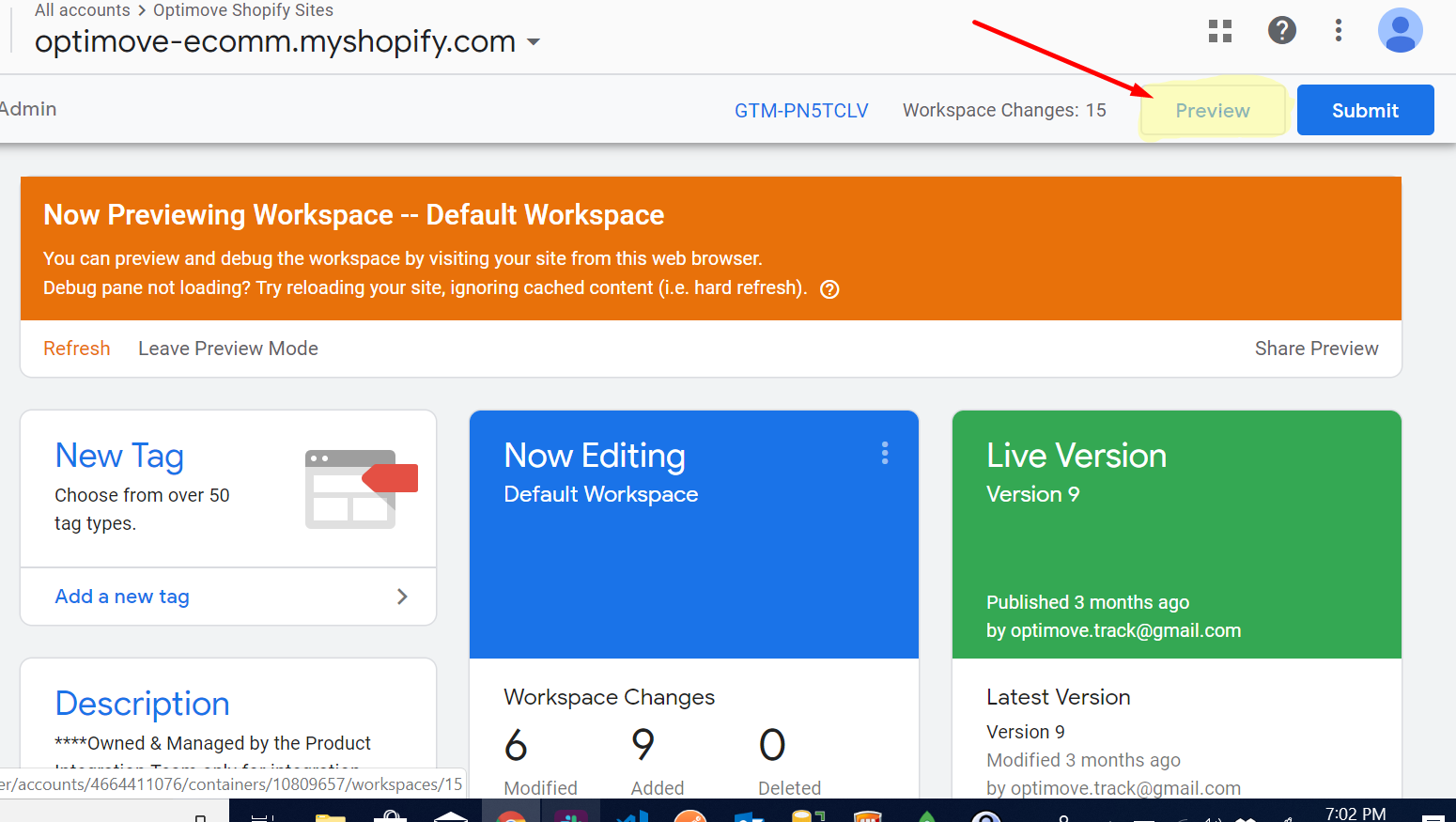
* Click Preview to check the changes on your site (in Preview mode).