
Configuring Promotion Tiers
This guide shows you how to use Promotion Tiers for marketing strategies where a single, flat reward isn't enough. Tiers allow you to build conditional logic directly into a promotion, so you can tailor rewards based on specific customer behaviors or characteristics.
For example, instead of creating multiple promotions, you can use one set of tiers to:
- Offer graduated incentives (e.g., "Deposit £50 get 10 spins, deposit £100 get 20").
- Create rules like, "Give 20 Free Spins only if the customer deposits more than £100".
- Align rewards with different VIP or loyalty levels.
Prerequisites
Before you begin, you will need:
- An existing promotion that you have already created in OptiPromo.
- The
promotionIdfor the promotion you wish to modify.
How Promotion Tiers Work
You can configure tiers by sending a PATCH request to the /promotionId/promotionTiers endpoint. The logic used to evaluate which tier a customer qualifies for depends on the type of campaign they are in.
Note:For both scheduled and triggered campaigns, tiering logic can be based on a combination of:
- Customer Attributes: Static or historical fields related to a customer (e.g., VIP level, location).
- Session Properties: Dynamic, real-time fields from the current session (e.g., deposit amount in this session).
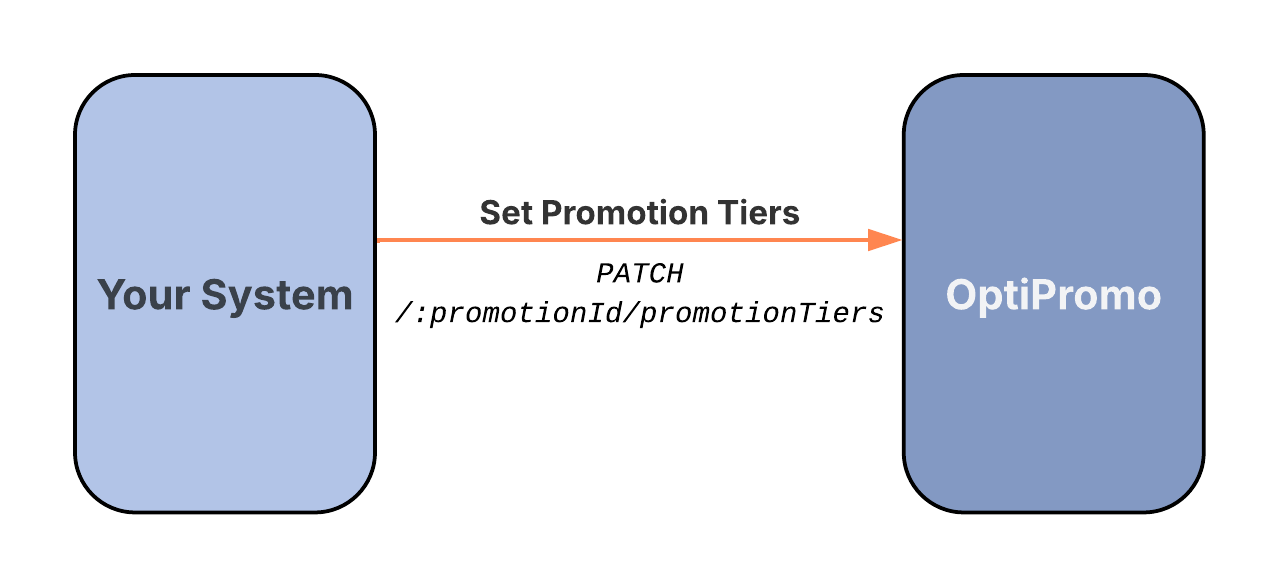
API Flow for Setting Promotion Tiers
API Reference
Next Steps
- Learn how to control your promotion's spending limits: ➡️ Setting Budgets and Constraints
Updated 12 months ago
Did this page help you?