
Altenar Sportsbook Integration
This guide explains how to display Optimove Recommend recommendations inside an Altenar Sportsbook using the Optimove Widgets banner. It is intended for developers integrating the widget on a client site or back-office CMS.
Overview
Optimove Personalize provides a third-party integration that adds personalized recommendations to the Altenar Sportsbook. You integrate directly with Altenar, then add Optimove's JavaScript SDK and point an Altenar banner to an Optimove Recommend Placement.
The Banner Widget loads recommendations into an Altenar-compatible UI inside the Sportsbook.

How it works
At runtime:
- The page loads the Altenar Web SDK and the Optimove Altenar Widgets SDK.
- The Optimove SDK loads the widget application from Optimove's CDN.
- The widget renders into the Altenar banner container, either as an iframe or as an embedded component.
- The widget and the host page exchange information using browser DOM events (
window.postMessage).
The widget emits the following events, which the host page can listen for:
RECOMMENDATIONS_LOADED_EVENTBANNER_LOADED_EVENTUSER_ID_CHANGED_EVENTLOCALE_CHANGED_EVENTSELECTION_CLICKED_EVENT
Prerequisites
Before you start, you will need:
- An active Altenar integration. You set this up in Altenar's back office and receive an ID used to initialize the Altenar SDK.
- A place to deploy the solution (website or back-office CMS) that can:
- embed the Altenar Web SDK (JS)
- embed the Optimove Altenar Widgets SDK (JS)
- send and receive DOM events via JS
- An Optimove Recommend Placement, plus your Optimove Brand Key and API Key.
Setup summary
- Create an Optimove Placement and locate your API keys.
- Configure the banner in the Altenar back office.
- Integrate the Altenar and Optimove SDKs into your site.
1. Set up in Optimove
-
Sign in at https://opti-x.optimove.net/.
-
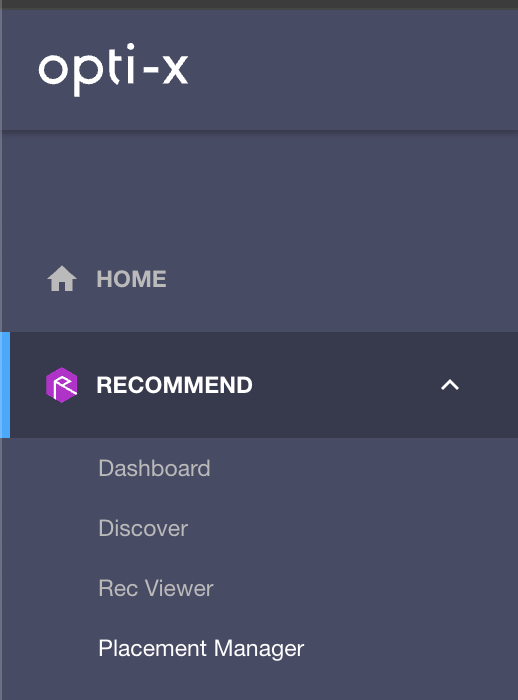
Using the side menu, go to Recommend → Placement Manager.
-
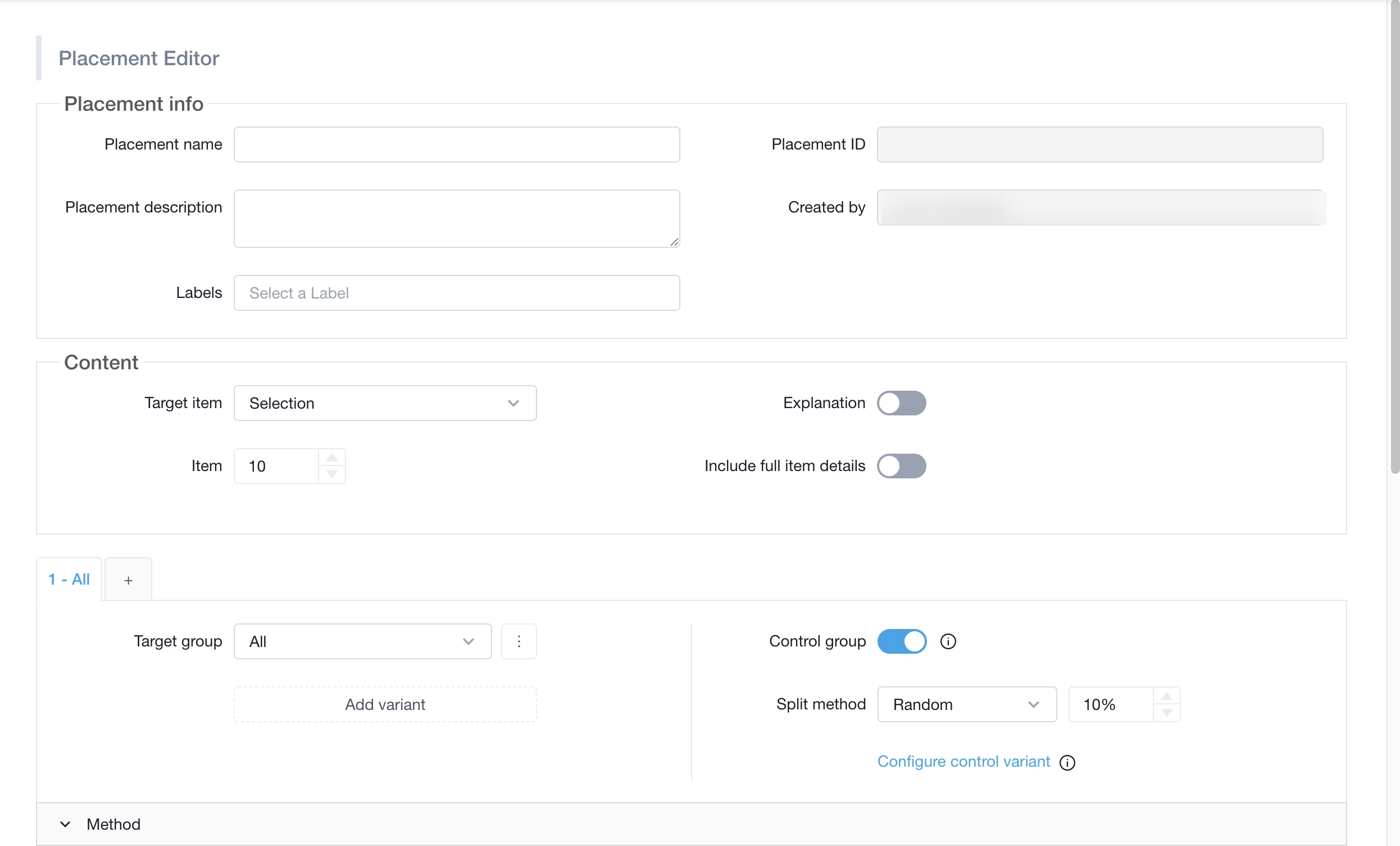
Click Add New Placement and configure your placement. The Academy article Recommendation Placements walks through this in detail.
-
Save the placement.
-
Re-open the placement (search for its name in Placement Manager, then click Edit) and use the Copy button to copy the Placement ID — you will need it in step 2.

-
Go to Developer Tools → API Keys (https://opti-x.optimove.net/developer-tools/API-keys) and note the
x-api-keyandx-brand-keyvalues — you will need these in step 3.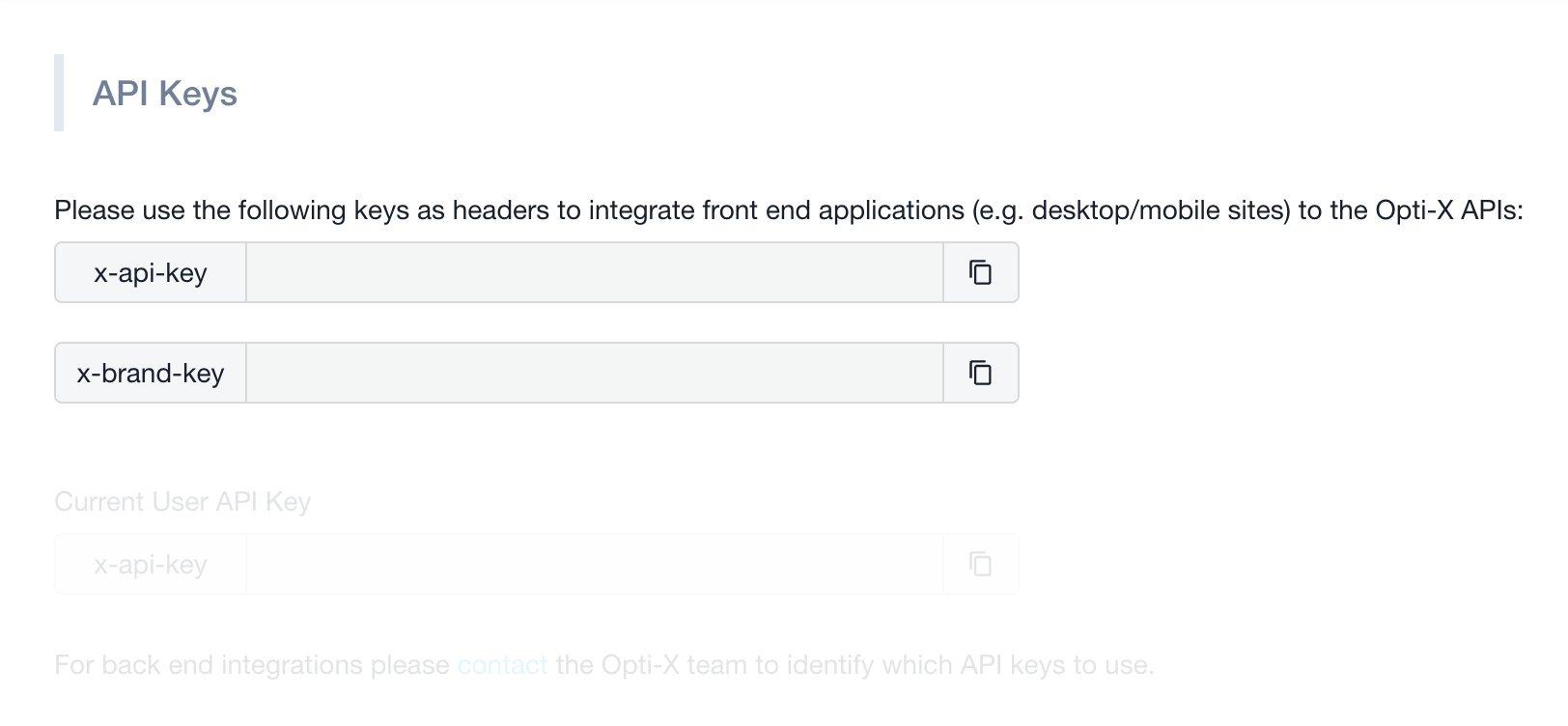
2. Configure the banner in the Altenar back office
- Open the Altenar back office.
- Navigate to the section where the banner should appear.
- In the
WBannereditor, set theurlfield to the widget URL, inserting your Placement ID:
https://widgets.optimove.net/altenar-widgets/sports/{PLACEMENT_ID}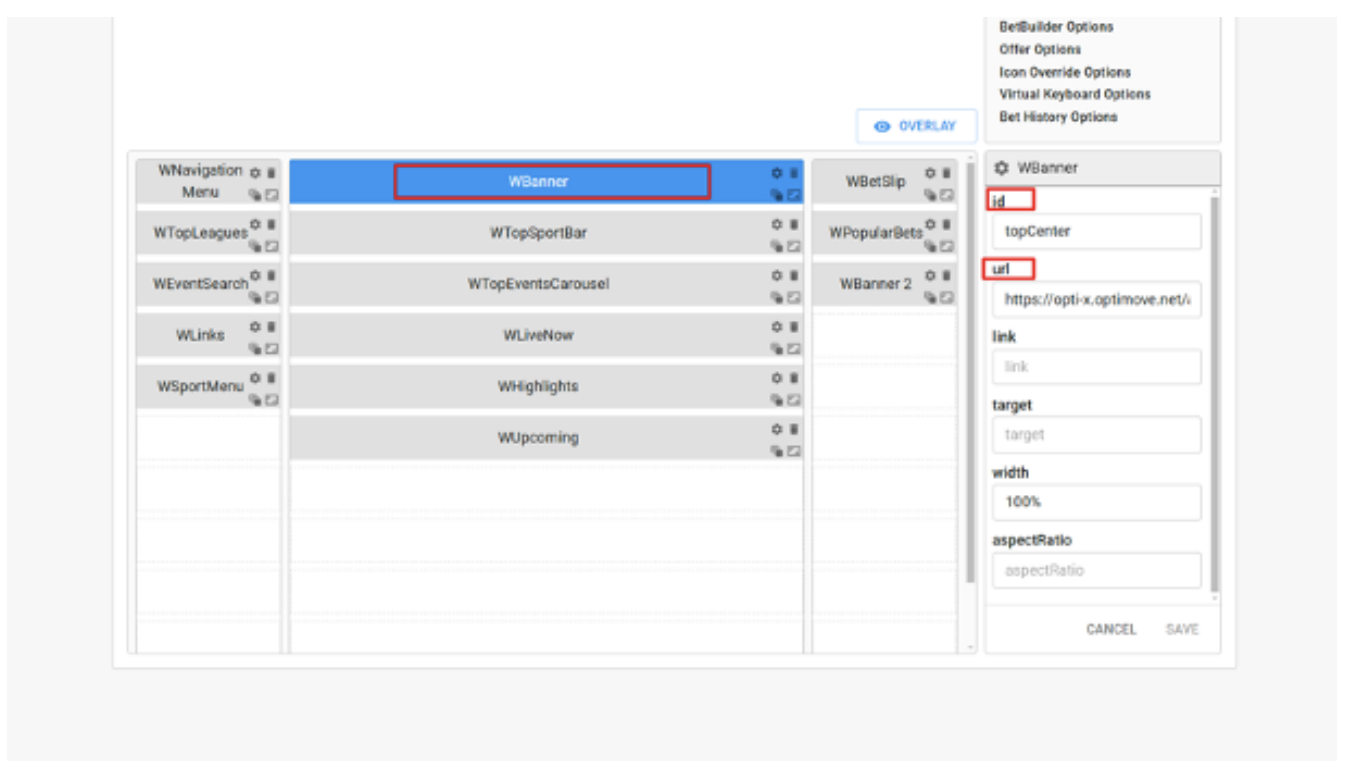
3. Set up on-site
To complete the integration you need to:
- Add the Altenar Web SDK to the site.
- Add the Optimove Altenar Widgets SDK to the site.
- Initialize both SDKs with the values collected during setup:
- Altenar integration name
- Optimove API Key (
x-api-key) - Optimove Brand Key (
x-brand-key)
<!DOCTYPE html>
<html lang="en">
<body>
<!-- Create container for the sportsbook widget -->
<div id="sportsbook"></div>
<!-- Load the Altenar Web SDK -->
<script src="https://sb2wsdk-altenar2.biahosted.com/altenarWSDK.js"></script>

<!-- Load the Optimove Altenar Widgets SDK -->
<script src="https://widgets.optimove.net/optix-altenar-widgets.umd.cjs"></script>

<script>
  // Initialize the Altenar Web SDK
  window.altenarWSDK.init({
    integration: "<YOUR_ALTENAR_INTEGRATION_NAME>",
    culture: "<YOUR_CULTURE_VALUE>", // e.g. "en-GB"
  });

  // Initialize the Optimove Altenar Widgets SDK
  window.optiXAltenarWidgets.init({
    apiKey: "<YOUR_OPTIMOVE_API_KEY>",
    brandKey: "<YOUR_OPTIMOVE_BRAND_KEY>",
  });

  // Add the sportsbook widget to the page
  window.altenarWSDK.addSportsBook({
    container: document.getElementById("sportsbook"),
  });
</script>
</body>
</html>
Updated about 1 month ago