
Gamify Minigames SDK
The Gamify Minigames SDK (formerly Adact) lets your app open Optimove Minigames campaigns from a single entry point in your app — such as a "Play" button or a Streams execution surface.
It ships inside the existing Gamify module across the Optimove SDKs: Android, iOS, and Web. You configure a Minigames host URL (adactUrl) provided by Optimove, then call openAdactCampaign with a campaign id and optional customer identity.
- Mobile (Android, iOS) renders the campaign in a native modal surface backed by a
WebView. - Web renders the campaign as a full-screen iframe overlay, or embedded inside a host element you name.
Minigames is self-contained relative to loyalty: it does not use the loyalty widget READY → INIT handshake. Customer identity, when needed, is passed as URL query parameters. On mobile, Minigames also does not require the core Optimove SDK to be initialized first — the same pattern as the loyalty Gamify widget.
For the loyalty surface of the same module, see the Gamify Loyalty Widget SDK guide.
Product prose uses the new name Minigames, but every code artifact keeps its literal Adact naming —
adactUrl,openAdactCampaign,OpenAdactParams,closeAdactCampaign, and theadact-campaign-*.optimove.nethosts. Copy these verbatim; do not rename them in your integration.
Before You Begin
Supported SDK Versions
Minigames campaign support is available from these minimum versions:
| Platform | Minimum version | Notes |
|---|---|---|
| Android | optimove-android 7.16.0+ | GamifyWidgetSDK ships inside the optimove-android artifact — no separate dependency. |
| iOS | OptimoveSDK 6.9.0+ | GamifyWidgetSDK is part of OptimoveSDK. |
| Web | Web SDK [CONFIRM WITH PM: exact minimum Web SDK version with Minigames Gamify support] | Accessed via optimoveSDK.API.gamify. Requires gamify.adactUrl in tenant / SDK configuration. |
Your Minigames Host URL (adactUrl)
adactUrl)Optimove provides your region-correct Minigames host URL through onboarding, retrieval, or tenant configuration. Treat it as a given input — you do not map regions yourself in the SDK.
Host shapes are illustrative:
https://adact-campaign-<region>.optimove.net/The trailing slash is optional. The SDK normalizes it internally.
Pass this host to:
- Android / iOS —
GamifyWidgetSDK.initialize(..., adactUrl) - Web — tenant / SDK config:
gamify.adactUrl
The Campaign URL the SDK Builds
When you call openAdactCampaign, the SDK builds:
{adactUrl}/embedded/{campaignId}?cid={cid}&customerIdToken={token}| Piece | Required | Description |
|---|---|---|
adactUrl | Yes | Minigames host from Optimove. See above. |
campaignId | Yes | Numeric Minigames campaign id. |
cid | No | Customer / player identifier for the campaign. |
token | No | Customer identity token. Sent as the query parameter customerIdToken. |
Only HTTPS URLs are opened. If adactUrl or campaignId is missing, or the resulting URL is not HTTPS, openAdactCampaign does nothing and does not crash.
Example:
https://adact-campaign-<region>.optimove.net/embedded/179?cid=player-1&customerIdToken=jwt-tokenParameters
campaignId
campaignIdRequired for opening. The Minigames campaign to embed.
cid
cidOptional customer / campaign participant id. Passed through as the cid query parameter, with no encoding transformation beyond standard URL encoding.
token
tokenOptional customer identity token. Passed through as the customerIdToken query parameter — not as a loyalty INIT payload.
elementId (Web only)
elementId (Web only)Optional. Omit it for a fullscreen overlay, or pass a DOM element id to embed the campaign inside that host element.
Loyalty vs Minigames
| Loyalty widget | Minigames campaign | |
|---|---|---|
| Entry point | open / openWidget | openAdactCampaign |
| Config URL | Full widget URL | Host adactUrl + campaignId |
| Auth handshake | READY → INIT (userId / token) | None — identity via query parameters |
| Close | closeWidget() | closeAdactCampaign() |
The two surfaces are independent:
- Closing loyalty does not close Minigames, and the reverse.
- On mobile, both are modal overlays and only one overlay shows at a time. Opening one dismisses the other.
- On Web, an embedded loyalty widget can stay open while a Minigames overlay is shown. Opening a second overlay replaces the existing overlay.
Integrate on Android
Requires optimove-android 7.16.0+. GamifyWidgetSDK is bundled inside the optimove-android artifact, so there is no separate dependency to add.
import com.optimove.android.gamifywidgetsdk.GamifyWidgetSDK
import com.optimove.android.gamifywidgetsdk.OpenAdactParams

// Initialize once. widgetUrl may be null or blank if you only use Minigames.
GamifyWidgetSDK.initialize(
    /* widgetUrl = */ null,
    /* adactUrl  = */ "https://adact-campaign-<region>.optimove.net/"
)

// Open the campaign. cid and token are optional.
GamifyWidgetSDK.getInstance().openAdactCampaign(
    activity,
    OpenAdactParams(
        /* campaignId = */ 179,
        /* cid        = */ "player-1",
        /* token      = */ "jwt-token"
    )
)

// Optional programmatic close
GamifyWidgetSDK.getInstance().closeAdactCampaign()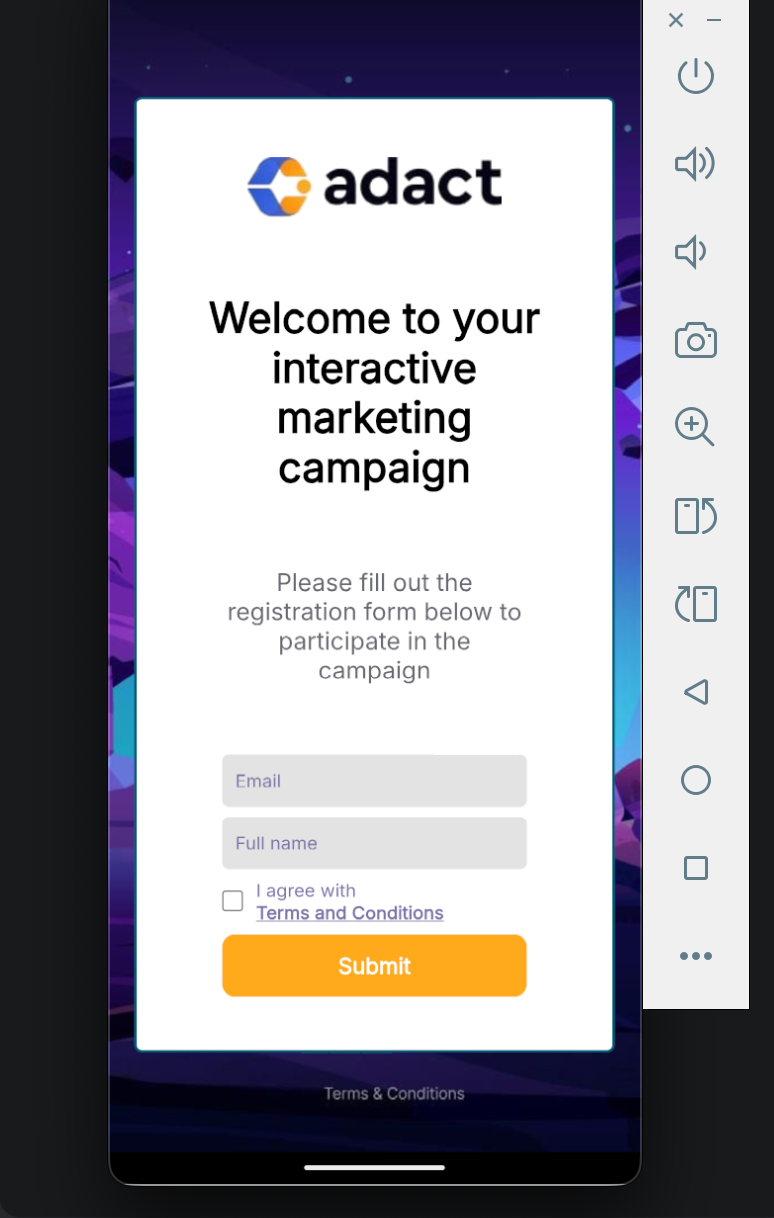
Notes:
- Calling
getInstance()beforeinitialize(...)throwsIllegalStateException("GamifyWidgetSDK is not initialized"). - If
adactUrlorcampaignIdis invalid,openAdactCampaignreturns without presenting. - Opening Minigames closes an open loyalty overlay, and the reverse.
Integrate on iOS
Requires OptimoveSDK 6.9.0+. GamifyWidgetSDK is part of OptimoveSDK.
import OptimoveSDK

// Initialize once. widgetUrl may be empty if you only use Minigames.
GamifyWidgetSDK.initialize(
    widgetUrl: "",
    adactUrl: "https://adact-campaign-<region>.optimove.net/"
)

// Open the campaign. cid and token are optional.
GamifyWidgetSDK.openAdactCampaign(
    from: self,
    params: OpenAdactParams(
        campaignId: 179,
        cid: "player-1",
        token: "jwt-token"
    )
)

// Optional programmatic close
GamifyWidgetSDK.closeAdactCampaign()
Notes:
- If
openAdactCampaignis called with a missing or invalidadactUrlorcampaignId, it logs an error and returns without presenting. It does not crash. - Opening Minigames closes an open loyalty overlay, and the reverse.
Integrate on Web
Requires a Web SDK build with Minigames Gamify support. There is no import — the module is loaded at runtime and accessed via optimoveSDK.API.gamify on the global object.
Configure adactUrl
adactUrlProvide the Optimove-supplied host in your SDK or tenant configuration:
// Example shape — exact delivery depends on your onboarding / retrieval setup
{
  gamify: {
    adactUrl: "https://adact-campaign-<region>.optimove.net/"
  }
}
You can read back the configured value with:
optimoveSDK.API.gamify.getAdactUrl();Fullscreen Overlay
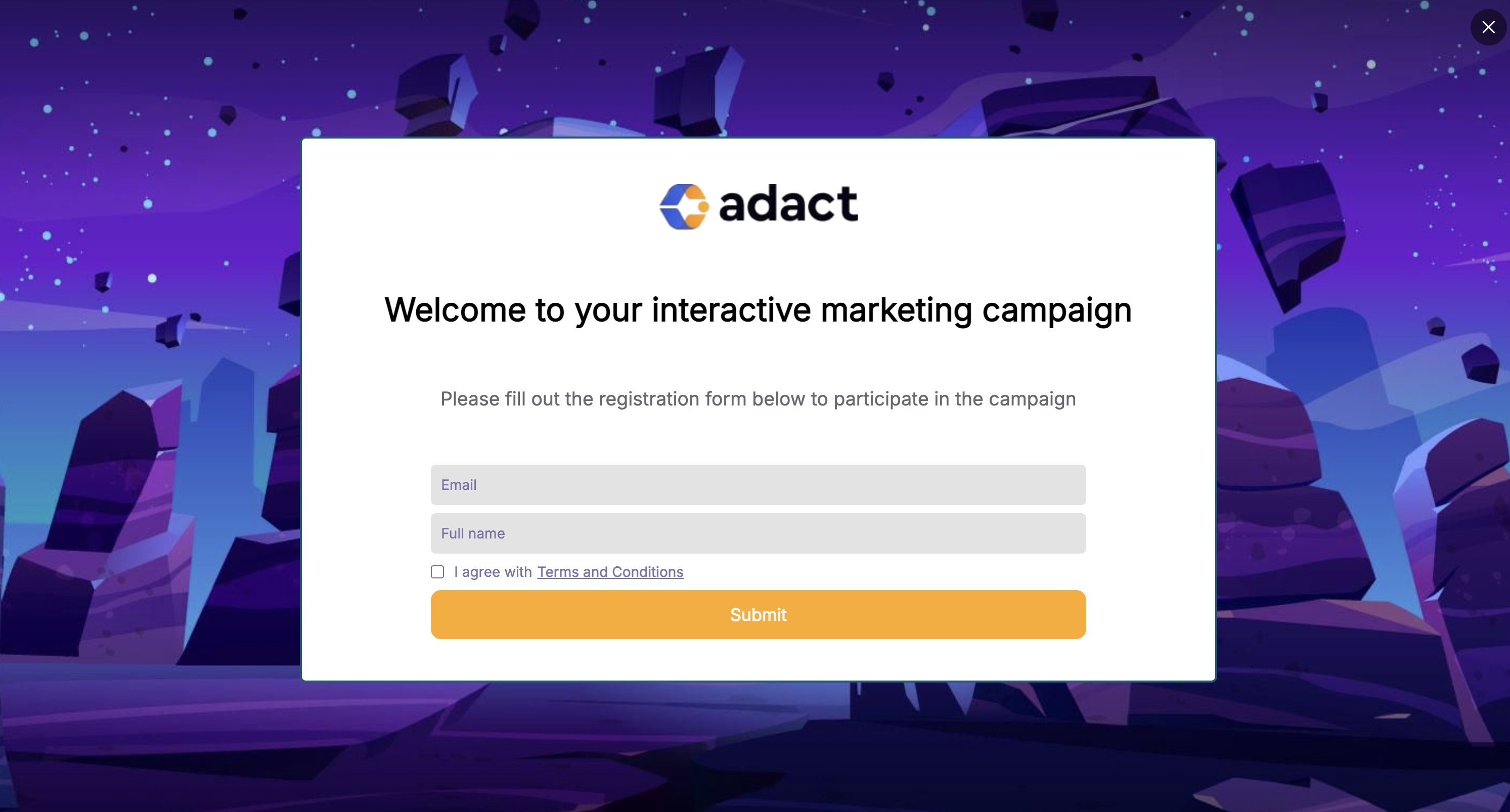
Omit elementId to render the campaign as a fullscreen iframe overlay:
optimoveSDK.API.gamify.openAdactCampaign({
  campaignId: 179,
  cid: "player-1",
  token: "jwt-token"
});
Embedded in a Host Element
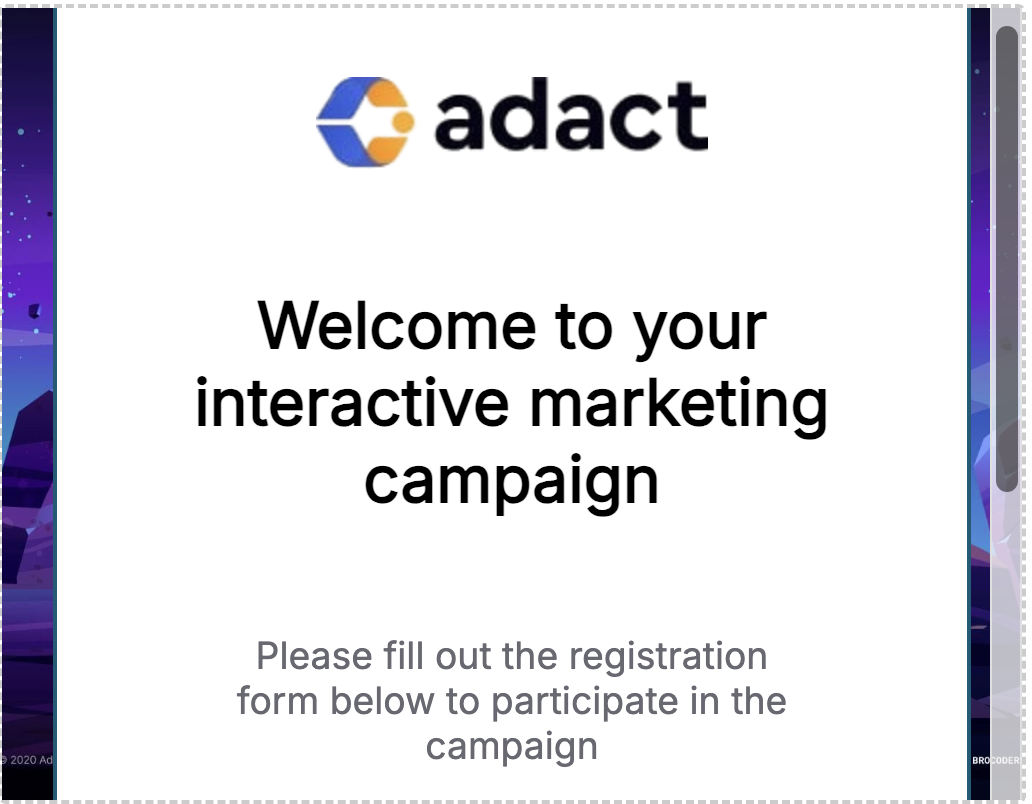
Pass the id of an existing element to render the campaign inside it:
optimoveSDK.API.gamify.openAdactCampaign({
  campaignId: 179,
  cid: "player-1",
  token: "jwt-token",
  elementId: "my-adact-container"
});
Closing the Campaign
optimoveSDK.API.gamify.closeAdactCampaign();The campaign is also dismissed via the overlay ✕ control and the campaign's internal CLOSE message.
Web Constraints and Edge Cases
Minigames on Web is HTTPS-only. If the campaign URL is not
https:,openAdactCampaignsilently returns and does nothing.
- Missing config — if
adactUrlorcampaignIdis missing, nothing opens. - Missing host element — if
elementIddoes not match an existing DOM node, the call returns without opening. Make sure the element is in the DOM before you call. - Already open — if a Minigames surface is already open, a second
openAdactCampaigncall is ignored. - Overlay exclusivity — opening a Minigames overlay closes an existing loyalty overlay, and the reverse. An embedded loyalty widget is left alone when Minigames opens as an overlay.
What to Expect When the Campaign Opens
On mobile (Android, iOS), the campaign opens in a native modal surface backed by a WebView. You can dismiss it programmatically with closeAdactCampaign(), via the modal UI, or when the campaign signals CLOSE / closeWidget over the JS bridge.
On web, the campaign opens as a fullscreen overlay, or inside the host element you named. Dismiss it with closeAdactCampaign(), the overlay ✕, or the campaign's internal close.
On every platform, the open and close calls return void. There are no public success or error callbacks or events for Minigames open and close — the campaign manages its own lifecycle internally.
Quick Reference
| Platform | Min version | Configure | Open | Close |
|---|---|---|---|---|
| Android | optimove-android 7.16.0+ | GamifyWidgetSDK.initialize(widgetUrl, adactUrl) | getInstance().openAdactCampaign(activity, OpenAdactParams) | closeAdactCampaign() |
| iOS | OptimoveSDK 6.9.0+ | GamifyWidgetSDK.initialize(widgetUrl:adactUrl:) | openAdactCampaign(from:params:) | closeAdactCampaign() |
| Web | [CONFIRM WITH PM: min Web SDK version] | gamify.adactUrl in config | API.gamify.openAdactCampaign({ campaignId, cid?, token?, elementId? }) | API.gamify.closeAdactCampaign() |
Campaign URL pattern, all platforms:
{adactUrl}/embedded/{campaignId}?cid={cid}&customerIdToken={token}Updated 3 months ago